5 Salesforce Report Automation Mistakes That Cost You Hours Every Week
March 5, 2026 · 9 min read

If you’re a Salesforce Admin, you already know that reporting is one of those tasks that never quite stops. Stakeholders need their weekly pipeline updates. Finance wants the monthly revenue summary. The VP of Sales wants a daily snapshot of closed deals — and they want it in their inbox by 8 AM.
You build the reports, set up subscriptions, and hope everything works. But it rarely does — at least not cleanly. A Smartsheet survey found that more than 40% of workers spend at least a quarter of their work week on manual, repetitive tasks. Nearly 60% estimated they could save six or more hours a week if those tasks were automated. For Salesforce Admins juggling report scheduling, distribution, and troubleshooting, those numbers feel conservative.
The problem isn’t that Salesforce doesn’t have reporting features. It does. The problem is that the native tools have limitations that push admins into habits that waste time, create risk, and don’t scale. Here are the five most common report automation mistakes we see — and how to fix every one of them.
Mistake #1: Not Asking How the Report Will Actually Be Used
This is the mistake that causes all the others. An admin gets a request — “I need a report on X” — and starts building. Filters, groupings, columns, maybe a chart. They finish the report, share the link, and move on.
Two weeks later, the same person asks: “Can you email this to me every Monday?” Then: “Can you send it to my team too?” Then: “Actually, can the client see this?”
Each request adds a layer of manual work because the delivery question was never asked upfront. The best admins we’ve worked with treat report delivery as part of the requirements conversation, not an afterthought. Before building anything, they ask:
- Is this something you’ll check on demand? If so, a dashboard might be the best option. Pin it to a home page, and the user can check it whenever they want.
- Does this need to come to your inbox on a schedule? If so, you need a subscription or a tool like Report Sender — and you need to know who else should receive it, including anyone outside of Salesforce.
- Should this data live on a specific record? Sometimes the answer isn’t a report at all. An embedded chart or a Lightning component on the Account or Opportunity page might be what the user actually needs.
- Who else needs to see this, and do they have Salesforce access? This is the question that determines whether native tools will work or whether you need something more flexible.
This conversation takes five minutes and can save you hours of rework. It also helps you avoid the trap of building report after report only to find out that none of them are used, because you didn’t figure out how they fit in the user’s workflow.
Don’t treat report delivery as a separate problem to solve later. It’s part of the requirement. Define it upfront, and you’ll choose the right tool the first time.
Mistake #2: Assuming Everyone Who Needs Data Has a Salesforce Login
This is the single most common reason we see admins fall into manual reporting routines. And honestly, it’s the number one reason organizations adopt our Report Sender app.
The scenario plays out the same way in almost every org: your sales team tracks everything in Salesforce, but the people who need visibility into that data don’t all have licenses. The board member who wants a quarterly pipeline summary. The agency partner who needs campaign performance numbers. The client who expects a monthly activity report. The finance team running on a separate system. The warehouse manager who needs order data but has no reason to sit in a CRM all day.
Salesforce’s native report subscriptions can only deliver to users within your Salesforce org. If someone doesn’t have a Salesforce login, they can’t receive a scheduled report. Full stop. This is a hard limitation that Salesforce has never addressed, and it forces admins into one of these bad workarounds:
- Manual export and email. You run the report, export it, write an email, attach the file, and send it. Every week. Or every day. For every recipient. It works until you go on vacation, get busy, or simply forget.
- Email forwarding.Send the report to yourself, then set up an email rule to automatically forward. Pretty soon, you have all kinds of users forwarding reports and no easy way to audit where the data’s going. Then one employee leaves the company, and suddenly their reports aren’t getting delivered.
- Buying unnecessary licenses. Some orgs actually purchase Salesforce licenses just so someone can view reports. At the cost of a Salesforce license, this is an absurdly expensive way to solve what should be a simple email delivery problem.
- Building custom integrations. A developer writes something that pulls report data via the API and emails it externally. This works but adds maintenance overhead, breaks when the report changes, and requires developer time for something an admin should be able to manage.
Mistake #3: Building a Separate Report for Every Recipient
This one is a silent productivity killer, and it usually stems from the problem described in Mistake #2.
Here’s the common scenario: you need to send monthly reports to 15 different clients, each showing only the data relevant to their account. Or you need to send performance reports to a dozen agency partners, each filtered to their campaigns. With native Salesforce tools, your options are limited: you either build 15 separate reports or you build one report and manually change the filters, export, and email each version.
Either way, you end up maintaining a library of near-identical reports. When someone asks you to add a column or change a date range, you’re making that change a dozen times. The reports inevitably drift out of sync. Someone gets last month’s filter by accident. You forget to update one of the variants. It’s the kind of work that makes you question your career choices at 4:30 on a Friday afternoon.
We’ve seen orgs with hundreds of these near-duplicate reports cluttering up their report folders. It makes auditing difficult, confuses other admins who inherit the system, and generates a surprising amount of ongoing maintenance.
Mistake #4: Manually Running Reports Because “It’s Faster”
This is the mistake that doesn’t feel like a mistake — at first.
An admin gets a request: “Can you send me the weekly pipeline report every Friday?” The admin knows that setting up a subscription has limitations — the recipient might not have a Salesforce login, the admin might already be at their subscription limit, or the report needs to be sent as a formatted Excel file. So instead of fighting with the native tools, they just do it manually. Open Salesforce, run the report, export, attach, email. Done in three minutes.
The problem is that three minutes multiplied by a handful of reports multiplied by 52 weeks a year adds up fast. And it’s not just the time. It’s the mental overhead of keeping track of who needs what, when, and in what format. It’s the risk that the report doesn’t go out when you’re in an all-day meeting, on PTO, or dealing with a production issue. It’s the institutional fragility of having critical data distribution depend on one person remembering to do something.
We talk to admins who have been manually running and emailing the same reports for years. They’ve accepted it as part of the job. But it doesn’t have to be. The whole point of being a Salesforce Admin is building systems that scale — and a reporting process that depends on you personally hitting “Export” every Friday is not a system.
Mistake #5: Hitting the Subscription Ceiling and Just Accepting It
If you’ve ever tried to subscribe to a sixth report in Salesforce and been told you can’t, you’ve hit the report subscription limit. Depending on your Salesforce edition, each user is limited to between 5 and 15 report subscriptions. That’s it. And there’s an org-wide cap of 200 scheduled report emails per month.
For a small team with simple reporting needs, these limits are fine. But for a growing org — especially one where the admin is managing report schedules on behalf of multiple departments — you hit the ceiling fast. And once you’re there, the typical response is to start triaging: which reports are important enough to automate, and which ones will you just run manually?
That’s not a decision any admin should have to make. Report automation should scale with the business, not cap out arbitrarily.
Some admins try to work around the limit by consolidating reports into dashboards (which have their own separate subscription limit) or by spreading subscriptions across multiple users. These workarounds sort of work, but they add complexity and make it harder to manage who’s getting what.
The Common Thread
If you look at all five mistakes, they share a root cause: Salesforce’s native report automation was designed for simple scenarios. It works when every stakeholder has a license, when you have a handful of reports, and when data stays inside the org. The moment any of those assumptions break — and in most growing organizations, they all break eventually — admins end up filling the gap with manual labor.
That’s the problem Report Sender solves. Not by replacing Salesforce’s reporting engine, but by fixing the delivery layer. It’s a 100% native Salesforce app that’s been on the AppExchange for over 10 years, trusted by more than 3,000 organizations. The free version handles unlimited scheduling to any email address. The Plus version adds Excel formatting, dashboard delivery, and more. Premium unlocks dynamic filtering and secure file sharing.
If you’re currently spending time every week manually running, exporting, and emailing Salesforce reports, start a free trial and set up your first automated schedule. It takes a few minutes, and you’ll immediately see what you’ve been missing.
Related Articles
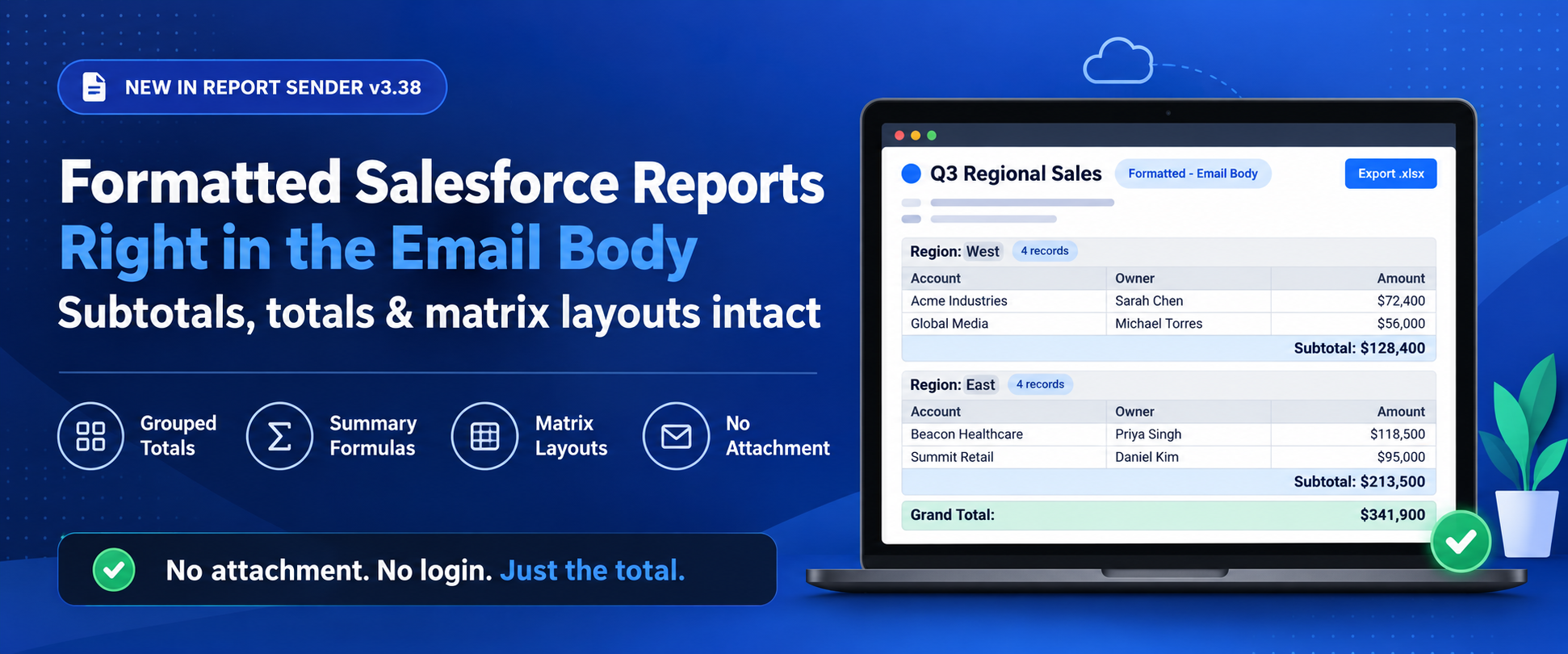
Formatted Salesforce Reports in the Email Body
Your Salesforce report has totals. Now your email does too. Send summary and matrix reports in the email body with formulas intact.
October 21, 2026
6 Min Read
10 Salesforce Permissions You Should Almost Never Assign to Users
If you have ever inherited a Salesforce org and opened up the…
June 30, 2026
17 Min Read
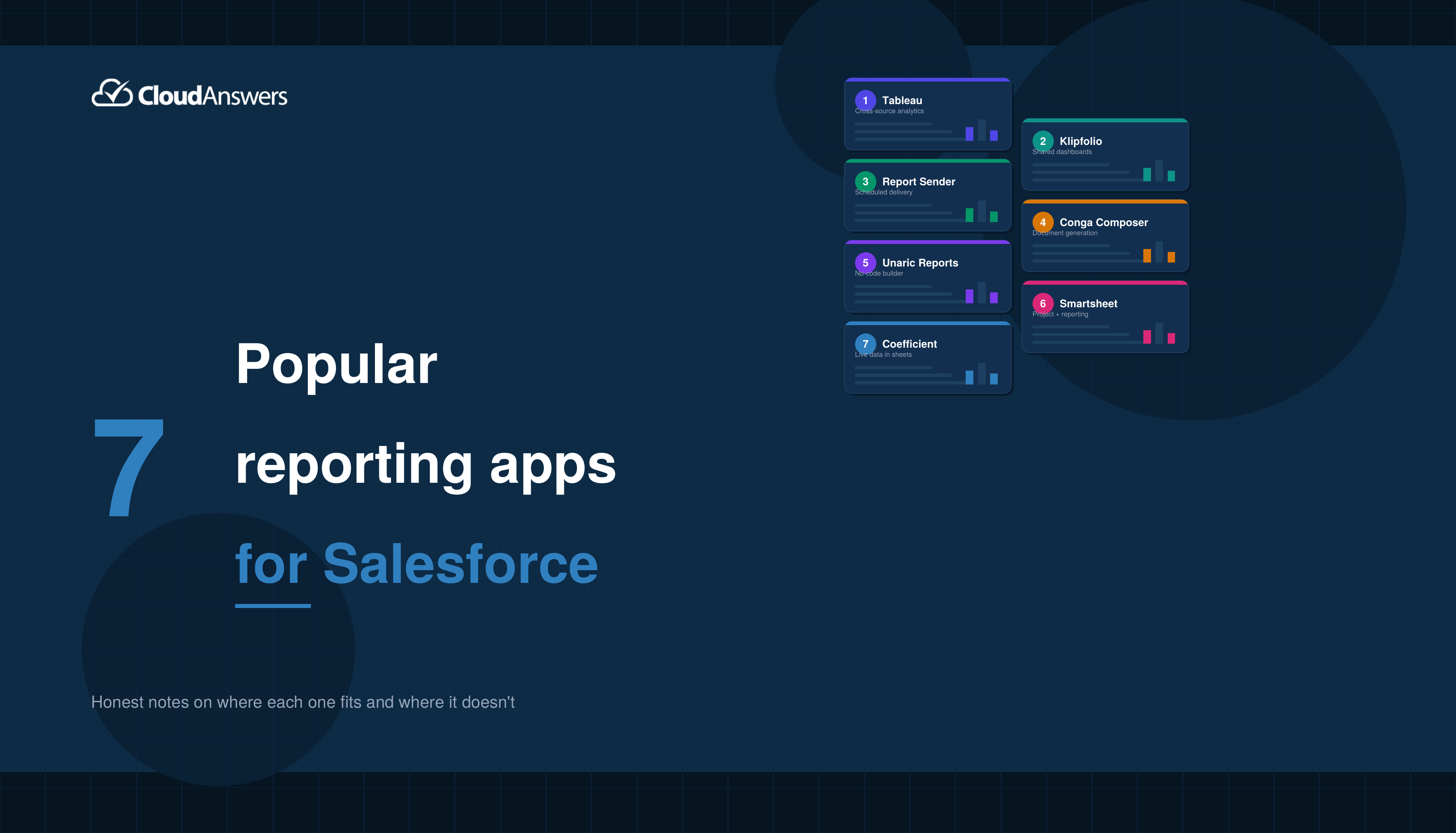
7 Popular Reporting Apps for Salesforce
The profit of your entire Salesforce investment depends a lot on the…
May 18, 2026
9 Min Read

Partners

Company
Get in touch
Locations: New Hampshire, India, Maine, Colorado, Poland, Ukraine, Belarus
Email: help@cloudanswers.com
Phone: +1 508 500 8333