

Lightning is coming. You have played around with the new User interface, made some reports, and tested out your customizations. When Lightning was released a year ago, it was slow and it was missing things. A year later they have addressed a lot of the issues, sped things up, and now its looking pretty good!
Trailhead
Luckily for us, with all of the updates, we can stay current with Trailhead. Salesforce has been diligently crafting content that not only tells the User what is coming, it also walks you through use cases so you can really absorb it.
Today I was trying to find the best way to replace JavaScript Buttons. Salesforce has clearly signaled they are on their way out, which is rough for anyone who populated pages with data for their users. It won't work in Lightning, it won't work in Console. Now we have Quick Actions and Lightning Components. They work and they are easy.
Lightning Components
To get your bearings, you can go to Trailhead: JavaScript Button Migration to see how the migration works and an awesome example of the new functionality in Lightning.
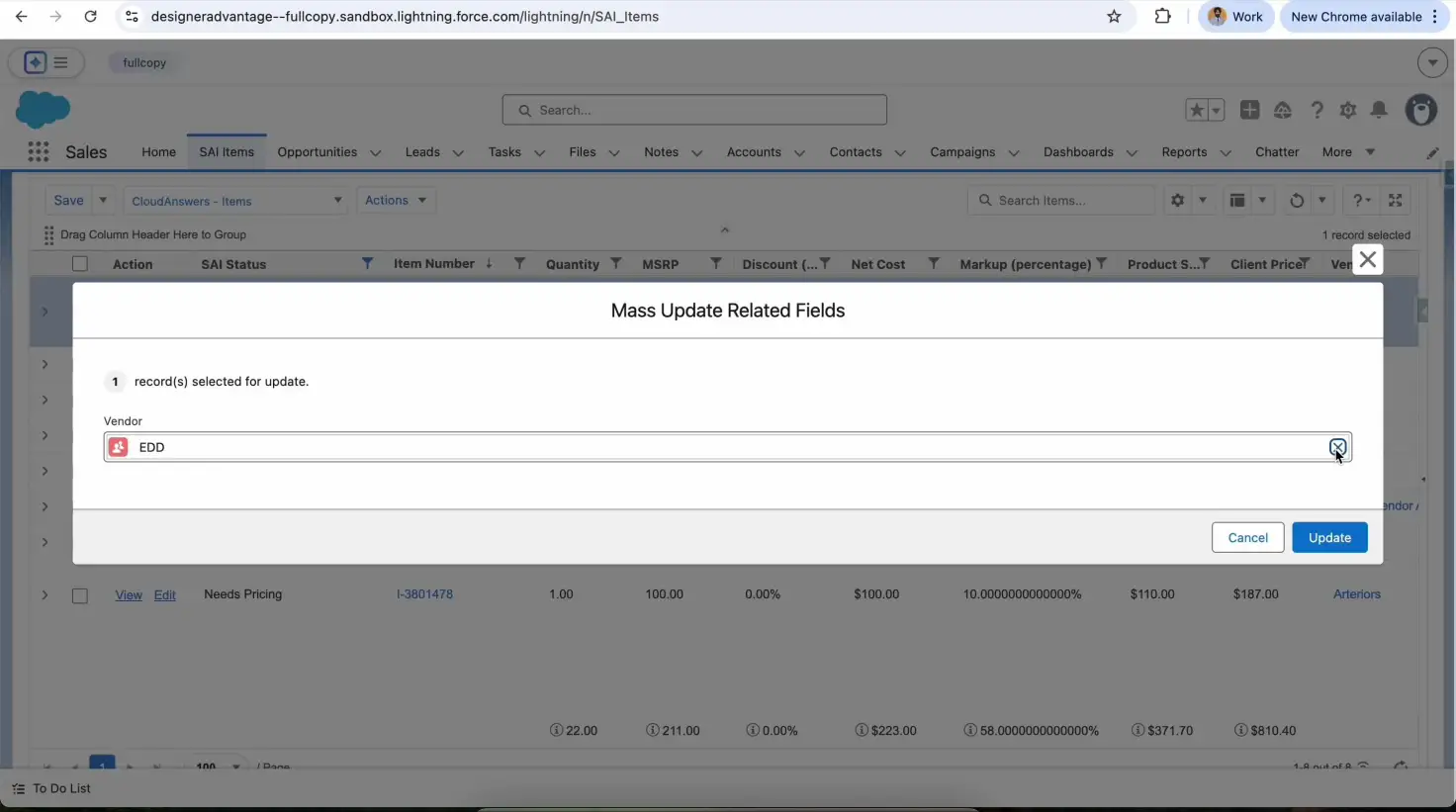
Trailhead walks you through the example of using a modal to update a related record. This might not seem amazing, there are little edit modals for everything, but what this example shows you is that you can stay on the same page to update common fields on a related record. Time and again I talk to Users who want to update the Account from a Contact after a call. Now, with a Quick Action, you an edit the Account directly from the Contact avoiding the reload time and confusion of switching between records.
Related Articles

Why You Should Sync Salesforce to an External Database
Quick Summary Why Your Salesforce Data Needs to Break Free Salesforce has…
January 8, 2026
19 Min Read
Fast Inline Editing Lists with LWC and Conga Grid
We had a client request to let users inline edit multiple records…
December 29, 2025
5 Min Read

Tips for Becoming a Salesforce Developer
Interested in becoming a Salesforce developer? In this blog post Jagmohan has put together his favorite tips and resources to get started in the world of Salesforce development.
April 4, 2024
6 Min Read

Partners

Company
Get in touch
Locations: New Hampshire, India, Maine, Colorado, Poland, Ukraine, Belarus
Email: help@cloudanswers.com
Phone: +1 508 500 8333