
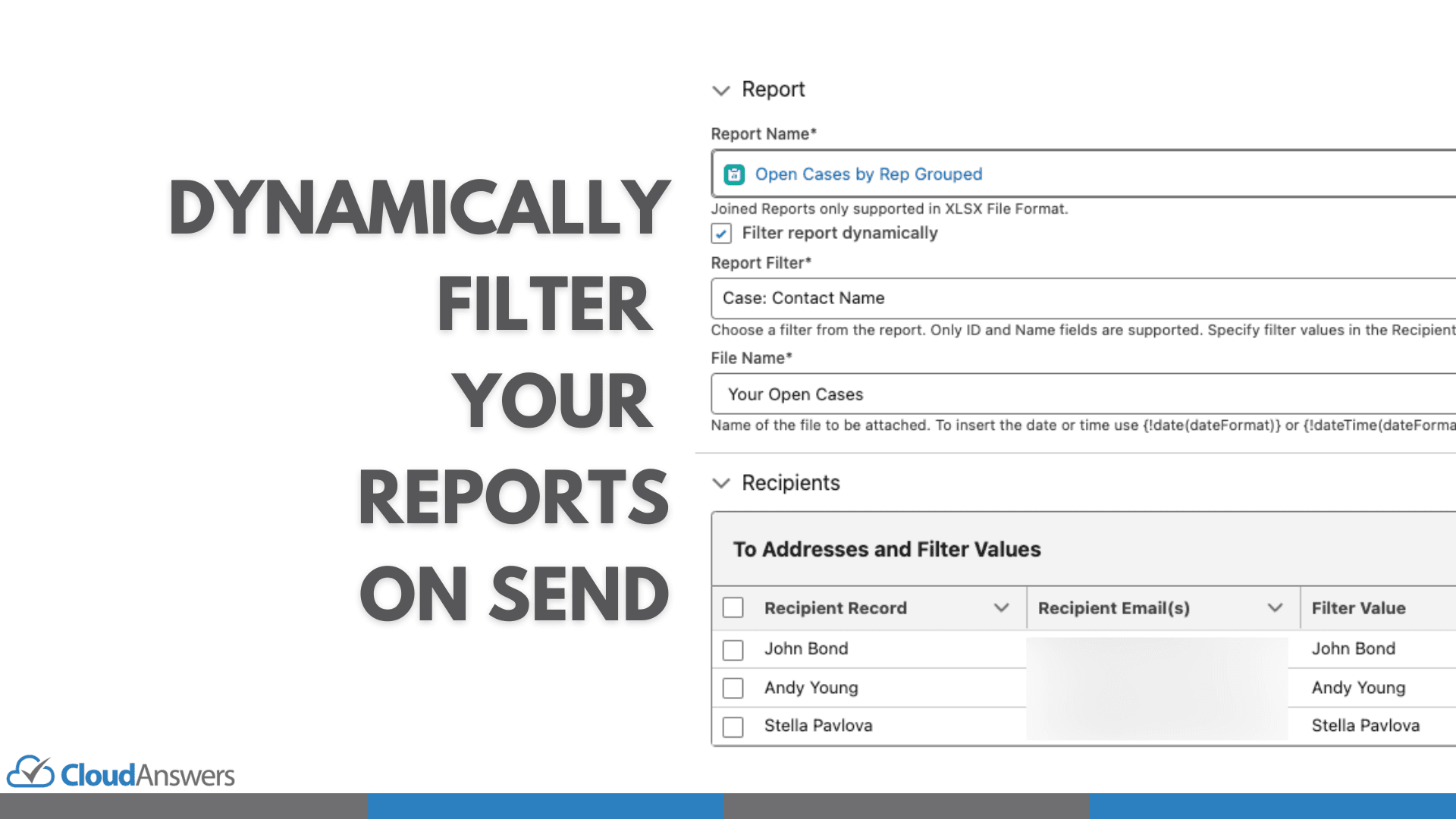
As we celebrate Report Sender’s 10th anniversary, we’re thrilled to unveil its most significant upgrade — Report Sender Version 2. Designed to streamline your Salesforce reporting process, this new version introduces powerful features like Dynamic Filtering, a Lightning Component, enhanced log files, preview capabilities, and new file format options. Let’s dive into these exciting enhancements and discover how they can save you hours of work and simplify your workflow.
Report Sender Premium is the newest edition of our popular Salesforce application that automates the scheduling and emailing of Salesforce reports. Built with power users in mind, this version offers advanced functionalities that reduce complexity and increase efficiency in managing your reports.
Dynamic Filtering (Premium Edition)
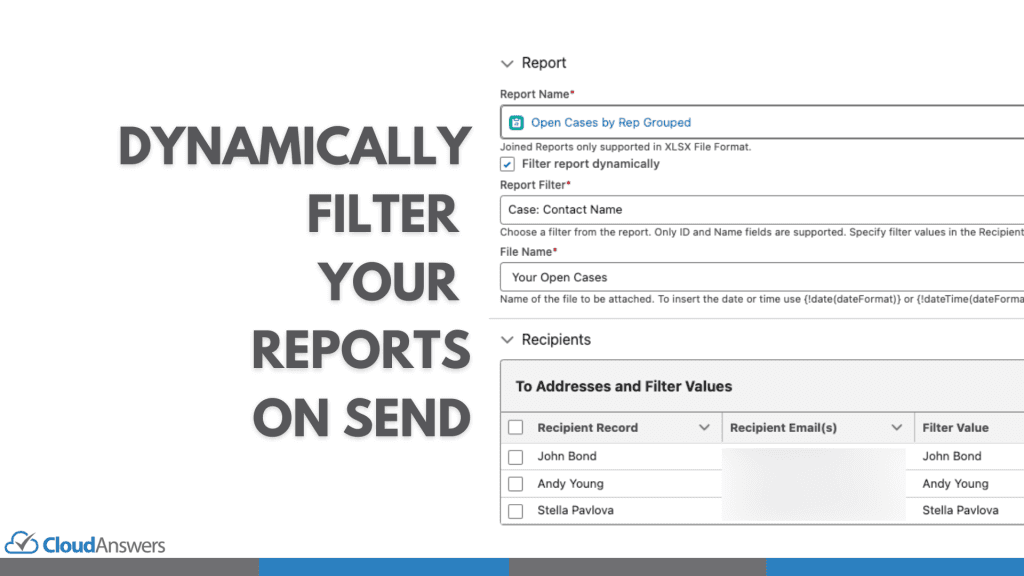
Dynamic Filtering is a game-changing feature that allows you to create multiple customized reports from a single master report. By applying dynamic filters, you can tailor reports for different recipients without the need to create separate reports for each one.
How It Works:
- Apply Any Filter: Use any filter from your source report to customize the output.
- Personalized Reports: For example, filter by Contact Name so each contact receives a report specific to them.
- Reduce Complexity: Minimize the number of reports and schedules you need to manage.
Use Cases:
- Client Reporting: Provide clients with personalized updates without manual intervention.
- Sales Teams: Send individual performance reports from one master report to each salesperson.
- Regional Managers: Distribute region-specific data without creating multiple reports.
2. Lightning Component***(Premium Customers Only)***
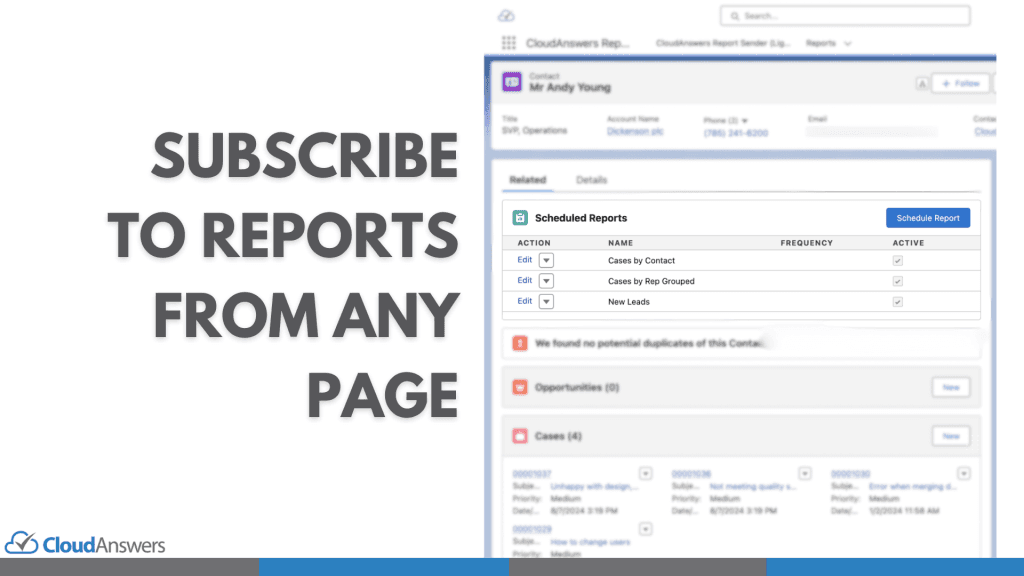
The new Report Sender Lightning Component integrates seamlessly with any record page for objects used as a recipient. This means you (or your end users) can view, add, or remove dynamically filtered schedules directly from a record page without navigating away from your current workflow.
Benefits:
- Quick Access: Manage report schedules from the Account, Contact, or any custom object page.
- Efficiency: Save time by not switching between different parts of Salesforce.
- Real-Time Updates: Instantly add stakeholders to report schedules as you review records.
3. Enhanced Log Files***(All Users)***
Understanding what’s happening behind the scenes is crucial. We’ve overhauled the logging system to make it more accessible and informative.
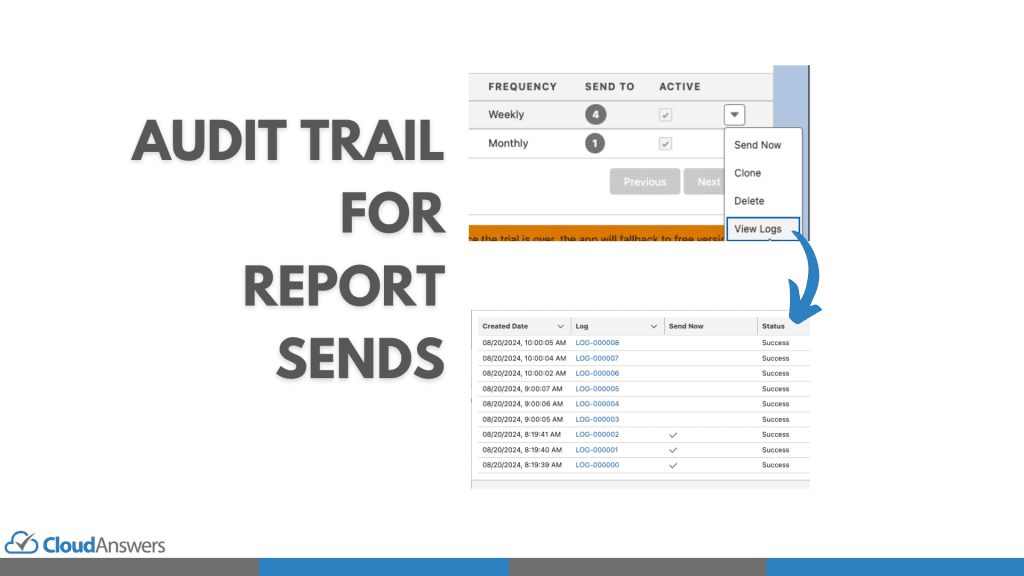
What’s New:
- Dashboard Viewing: Logs are now viewable directly from the dashboard.
- Critical Information: See Status, Error Messages, and Log File Names at a glance.
- File Storage: Log details are now stored in Files, following Salesforce’s recommendation to move away from Attachments.
4. Preview Report Schedules***(All Users)***
No more adjusting recipients just to test your report schedules. The new preview feature allows you to send test reports to any email address.
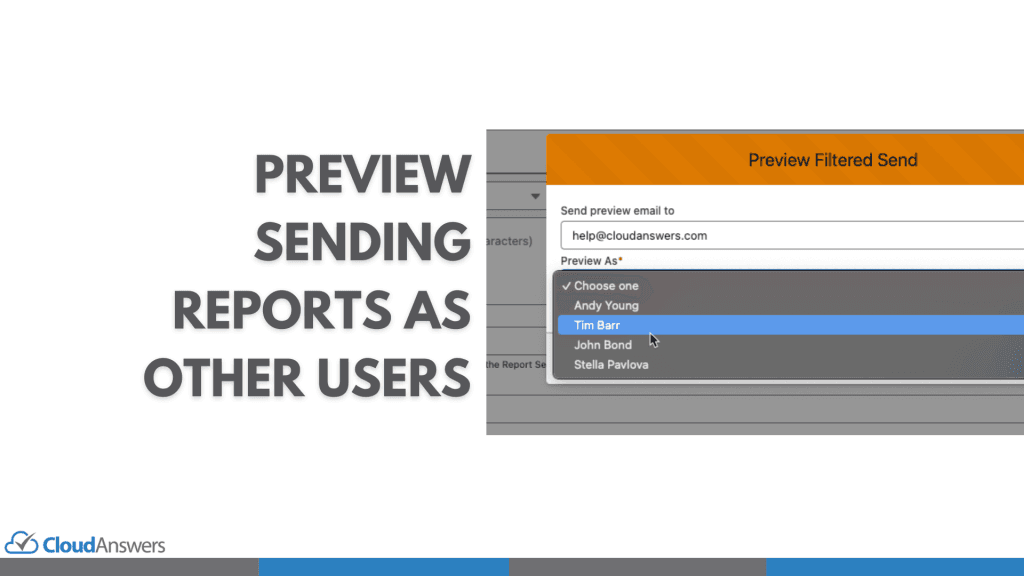
Advantages:
- Easy Testing: Verify that your reports look correct before sending them out.
- Dynamic Filtering Verification: Ensure that your dynamic filters are set up properly and recipients receive the correct data.
- Confidence: Reduce errors by previewing reports in real-world scenarios.
5. New File Format Options***(Plus and Premium Users)***
V2 includes added support for new file formats to give you more flexibility in how you present your data.
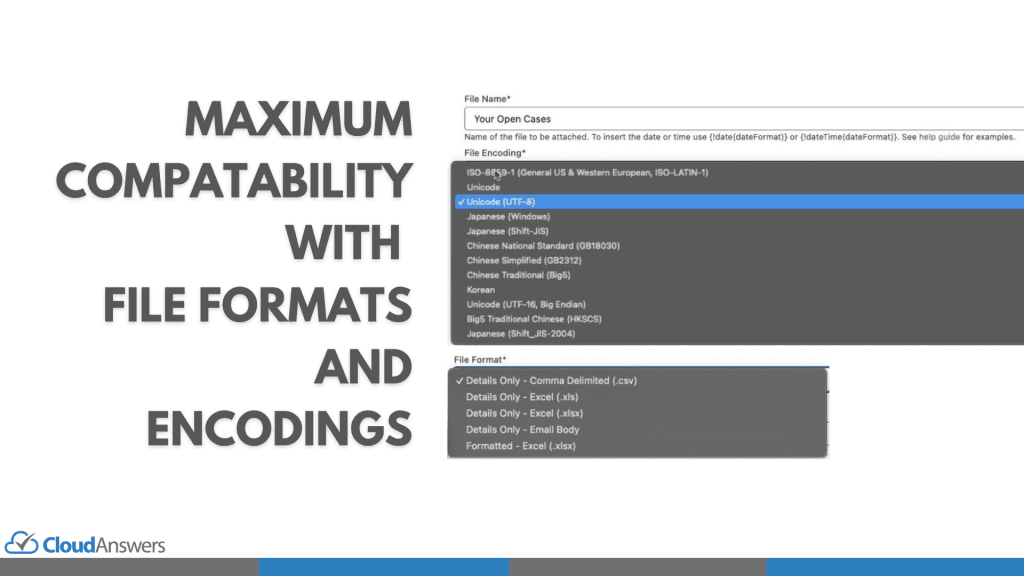
Additions:
- Details Only XLSX: Leverage Salesforce’s new API format for cleaner, more detailed Excel reports.
- International and legacy system support: Change file encoding directly from the report schedule to support special characters, multiple languages, and file formats used by old legacy systems who have not updated to UTF-8.
Why Upgrade to Report Sender Premium?
Upgrading to Report Sender Premium means unlocking features that significantly enhance your reporting capabilities:
- Save Time: Dynamic Filtering and the Lightning Component streamline your workflow.
- Reduce Complexity: Manage fewer reports and schedules while delivering more personalized content.
- Enhance Communication: New file formats and encoding options make your reports more accessible and professional.
- Improve Oversight: Enhanced logs and preview features give you better control over your reporting process.
Getting Started with Report Sender Premium
- Start Your Free Trial: We offer a 30-day free trial with no credit card required.
- Install the App: Visit the Salesforce AppExchange to install Report Sender Premium. Existing users can try it out in a sandbox.
- Configure Your Settings: Set up dynamic filters, schedule reports, and customize your preferences.
- Integrate the Lightning Component: Add the component to your record pages for easy access.
- Preview and Launch: Test your reports with the new preview feature before rolling them out.
That’s All, Folks!
Report Sender Premium is our most powerful and user-friendly version yet. Whether you’re a sales manager needing individualized reports for your team or a global company requiring multi-language support, this upgrade is designed to revolutionize your reporting process.
Don’t miss out on this opportunity to elevate your workflow. Try Report Sender Premium today and experience the future of Salesforce reporting.
If you’re an existing user and want to learn more or upgrade,schedule a time with usto discuss your needs and get a quote.
For more information,contact usorschedule a time to talk.

Partners

Company
Get in touch
Locations: New Hampshire, India, Maine, Colorado, Poland, Ukraine, Belarus
Email: help@cloudanswers.com
Phone: +1 508 500 8333